
How to Choose a Wireless Microphone for iPhone
Lightning or USB-C, one mic or two, noise cancelling or not — a three-minute guide to picking the right wireless mic for your phone.
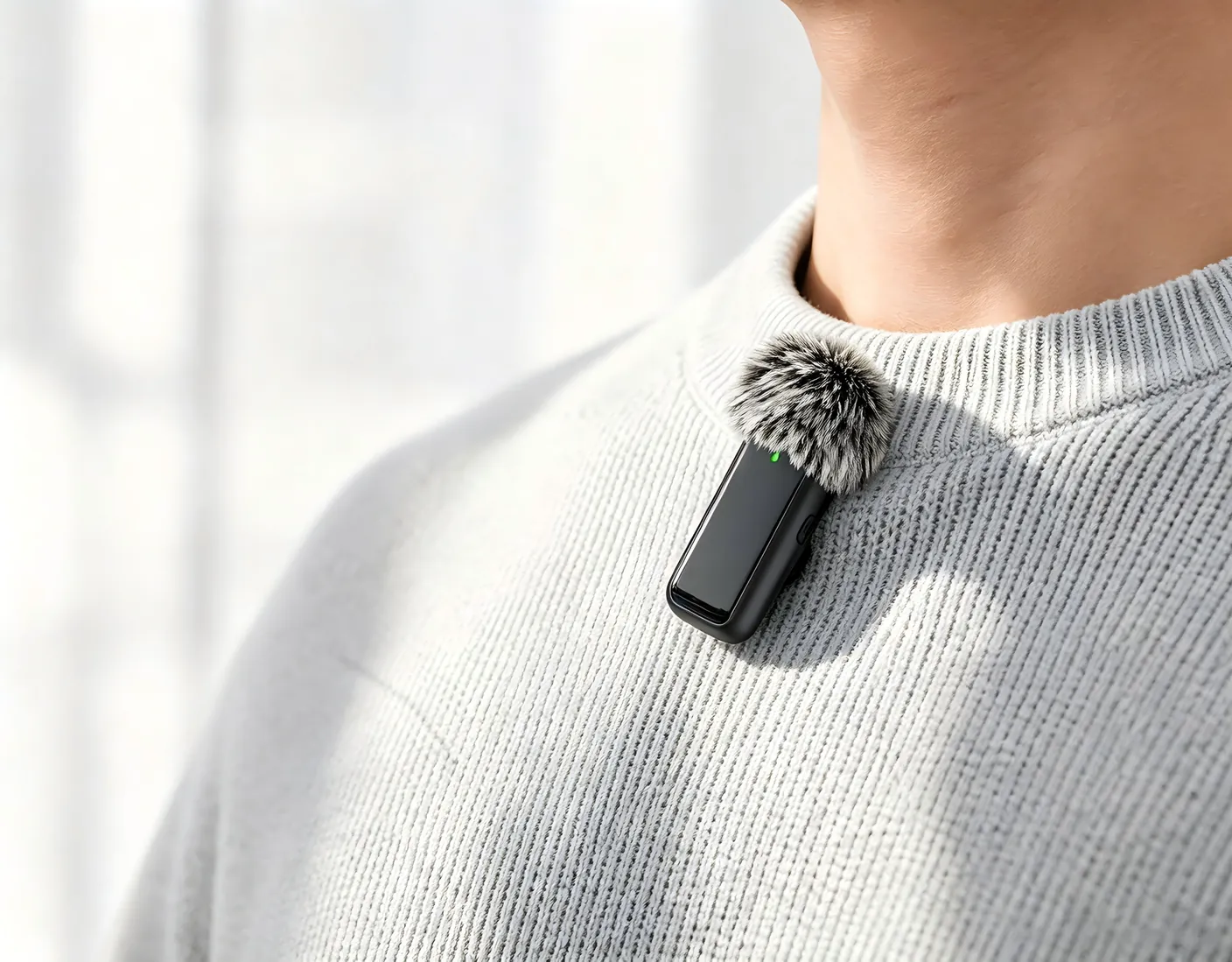
Your phone camera is already great. The weak point is almost always sound. Here is how to pick a wireless microphone that fixes it.
1. Match the connector
Check the port on your phone first:
- iPhone 15 and newer use USB-C.
- iPhone 14 and older use Lightning.
- Cameras and laptops usually take a 3.5 mm jack or USB-C.
2. One mic or two?
Solo vlogging needs one transmitter. Interviews, podcasts and two-person videos need two — and a receiver that records both on separate channels.
3. Battery you can trust
Look for at least 6–8 hours per mic and a charging case. The Pro Wireless Microphone System reaches about 30 hours with its case.
Tip: always do a 10-second test recording before an important shoot.
4. Plug and play beats apps
Apps and Bluetooth pairing fail at the worst moment. A receiver that locks on in seconds means you never miss the take.